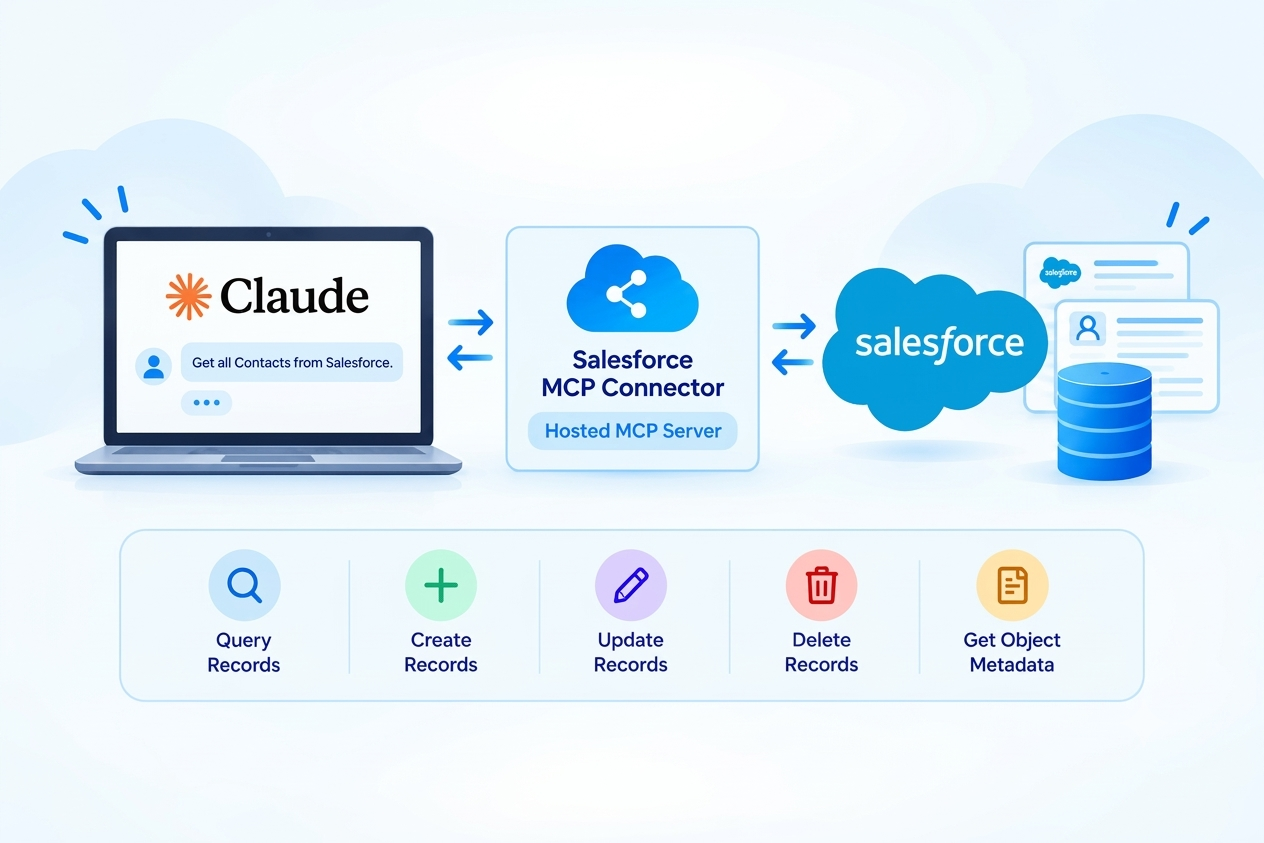
Simplifying Small Business Funding with Salesforce and Fora Financial (Fortress)
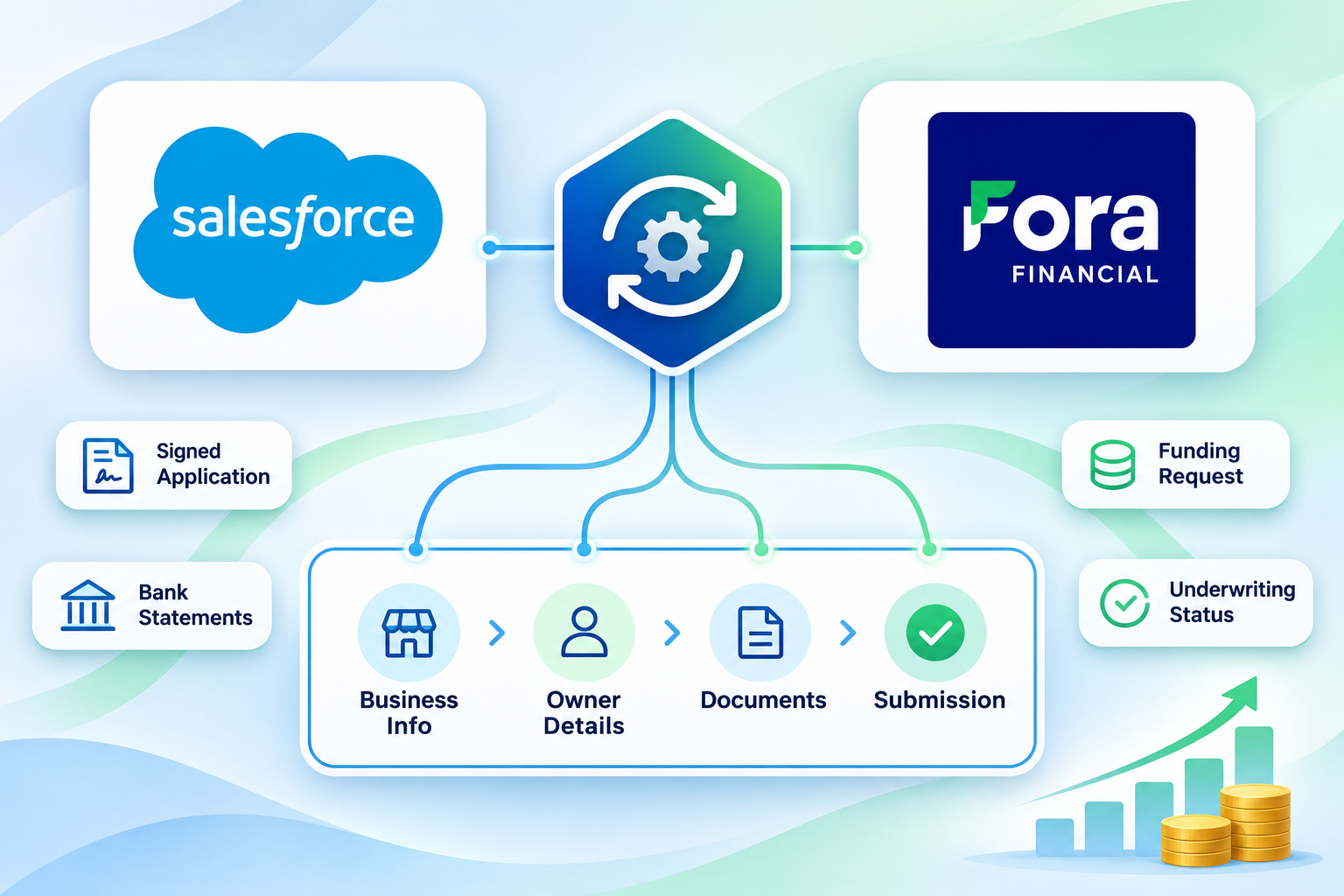
Simplifying Small Business Funding with Salesforce and Fora Financial (Fortress)
1. Overview of Fora Financial
Founded in 2008, Fora Financial is a business financing provider that helps small and medium-sized businesses access working capital through flexible funding solutions.
Fora Financial has provided more than $5 billion in funding and supported over 55,000 businesses, helping business owners overcome financial challenges and pursue growth opportunities.
Unlike traditional lending processes, Fora Financial focuses on understanding a business's overall financial performance, revenue consistency, operating history, and cash flow when evaluating financing opportunities.
Its primary business financing solutions include:
- Small Business Loans: Provides eligible businesses with upfront capital that can be repaid through scheduled payments over an agreed financing term.
- Revenue Advances: Provides businesses with access to capital based on their revenue, with repayment arrangements designed around business performance.
- Other Business Financing Solutions: Fora Financial also provides access to additional financing options through its funding network, depending on business requirements and eligibility.
Fora Financial combines an online application process with dedicated Capital Specialists who help business owners understand their financing options. Eligible applications may receive an approval decision in as little as four hours, with funding available as soon as 24 hours after accepting an offer, subject to applicable conditions.
2. Salesforce and Fora Financial (Fortress) Integration Overview
Integrating Salesforce with Fora Financial allows businesses to submit financing applications directly from Salesforce, simplifying the application process and minimizing manual data entry across multiple platforms.
Salesforce acts as the central platform for managing business details, financial information, ownership details, requested funding amounts, and supporting documents.
Through this integration, Salesforce transfers the required application information to Fora Financial for underwriting review and receives submission responses that can be maintained and referenced within Salesforce.
The integration covers three main areas:
- Submitting business, ownership, and financial information for underwriting.
- Transferring signed applications and business bank statements.
- Receiving and maintaining underwriting deal references and submission responses within Salesforce.
3. How Salesforce Integrates with Fortress
When a financing application is ready for submission, Salesforce collects the relevant business information from the associated application record and communicates with Fora Financial through its API to initiate the financing application.
Salesforce gathers the required business, ownership, and financial details and transfers them to Fora Financial in a structured JSON request. The submitted information provides Fora Financial with an overview of the business, its ownership structure, financial performance, and requested funding amount for underwriting consideration.
Business Information
Salesforce shares the following business details as part of the financing application:
- Business DBA and registered legal name.
- Business Tax Identification Number.
- Legal business entity type.
- Business industry.
- Business address, city, state, and postal code.
- Business establishment date.
- Business email address and contact number.
- Requested financing amount.
Business Financial Information
Fora Financial considers the financial performance and existing obligations of a business when assessing its financing requirements.
The integration includes the following financial information:
- Existing Financial Obligations: Indicates whether the business currently has outstanding financing obligations.
- Existing Open Balance: The outstanding balance associated with existing business financing.
- Monthly Financial Volume: Monthly financial information included in the financing application.
- Annual Revenue: Estimated annual business revenue based on the available average monthly revenue.
- Requested Funding Amount: The amount of capital requested by the business.
This information helps establish the financial profile of the business for underwriting consideration.
Business Owner Information
Along with the business and financial information, Salesforce submits the primary owner's personal and contact details.
The ownership information includes:
- Owner's first and last name.
- Residential address.
- Date of birth.
- Social Security Number.
- Email address and telephone number.
- Percentage of business ownership.
- Credit review authorization information.
If the business has a second owner, their information is also included when available.
Sample Request Body
The following is an illustrative example of the information Salesforce sends to Fortress when creating a financing application for Fora Financial.
{
  "dbaName": "ABC Insurance Services",
  "legalName": "ABC Insurance Services LLC",
  "merchantTaxID": "00-0000000",
  "legalEntityType": "Limited Liability Company (LLC)",
  "existingFinancialObligation": "Yes",
  "existingOpenBalance": 15000,
  "industryType": "Insurance",
  "address1": "123 Business Street",
  "city": "New York",
  "state": "NY",
  "postalCode": "10001",
  "dateEstablished": "05/01/2020",
  "emailAddress": "john@example.com",
  "phoneNumber": "2125550100",
  "amountRequested": "50000",
  "salesRepresentative": "DEMO-REP-ID",
  "monthlyCCVolume": 50000,
  "annualRevenue": 600000,
  "primaryOwner": {
    "firstName": "John",
    "lastName": "Smith",
    "phoneNumber": "2125550100",
    "address1": "456 Main Street",
    "city": "New York",
    "state": "NY",
    "postalCode": "10002",
    "ssn": "000-00-0000",
    "creditPullConsent": "Yes",
    "dateOfBirth": "06/15/1985",
    "emailAddress": "john@example.com",
    "percentOwnership": "60"
  },
  "sO_IsPresent": "Yes",
  "SecondaryOwner": {
    "firstName": "David",
    "lastName": "Smith",
    "phoneNumber": "2125550102",
    "address1": "789 Park Avenue",
    "city": "New York",
    "state": "NY",
    "postalCode": "10003",
    "ssn": "000-00-0000",
    "creditPullConsent": "Yes",
    "dateOfBirth": "09/20/1988",
    "emailAddress": "david@example.com",
    "percentOwnership": "40"
  }
}4. Supporting Document Uploads
Supporting financial documentation helps Fora Financial understand the business's financial activity and review its funding requirements.
After the financing application is successfully created in Fortress and an underwriting deal reference is available, Salesforce automatically transfers the available supporting documents associated with the financing opportunity.
The integration supports two main document categories:
- Signed Application: The completed and signed business financing application containing the relevant business and ownership information.
- Bank Statements: Business banking records that support the review of revenue, cash flow, and financial activity.
Each document is associated with its corresponding underwriting deal and classified according to its document purpose within Fortress.
Sample Document Upload Request
Supporting documents are uploaded separately from the main financing application submission.
The following is an illustrative representation of a signed application upload request:
UnderwritingDealID: 123456
ChosenDocumentPurposes: [40]
File Name: Signed_Application.pdf
Content Type: application/pdf
File: [Signed Application File Content]
Similarly, business bank statements are transferred under their corresponding document category.
UnderwritingDealID: 123456
ChosenDocumentPurposes: [54]
File Name: Bank_Statement.pdf
Content Type: application/pdf
File: [Bank Statement File Content]5. Receiving Responses from Fora Financial
After Salesforce submits a financing application to Fora Financial, the API returns a response containing information about the submission and the newly created underwriting deal.
Sample Submission Response
The following is an illustrative example of the response that may be received after successfully creating an underwriting deal:
{
  "data":{
      "merchantID":1615376,
      "dealID":1641807,
      "underwritingDealID":1632055,
      "uwDealStatusID":-8,
      "uwDealStatus":"Incomplete Application",
      "errorMessage":null,
      "criticalErrorMessage":null,
      "validationErrors":[

      ],
      "continueUrl":"https://partner-uat.forafinancial.com/new-tab?
       url=/iso/home/newapplication&UnderwritingDealID=1632055"
   },
   "success":true,
   "message":"Success"
}
Salesforce checks the response returned by Fora Financial to determine whether the financing application has been successfully submitted.
The response includes the Underwriting Deal ID, submission status, and any validation or critical error messages associated with the application.
Fora Financial independently reviews the submitted application and determines the business's eligibility, available financing amount, and applicable repayment terms.