Salesforce to Bitty Integration: Automating Business Financing Submissions
Streamlining Business Financing with Salesforce and Bitty
1. Overview of Bitty
Bitty is a business financing platform that helps small and medium-sized businesses access funding to support their financial needs and business growth.
Through its financing solutions, businesses can obtain access to capital for managing operational expenses, improving cash flow, purchasing equipment, and supporting expansion opportunities.
Bitty provides financing opportunities based on business information, financial performance, and applicant details submitted as part of the application process.
Businesses can provide their company information, financial details, and ownership information to initiate a financing application and receive a submission response.
2. Salesforce and Bitty Integration Overview
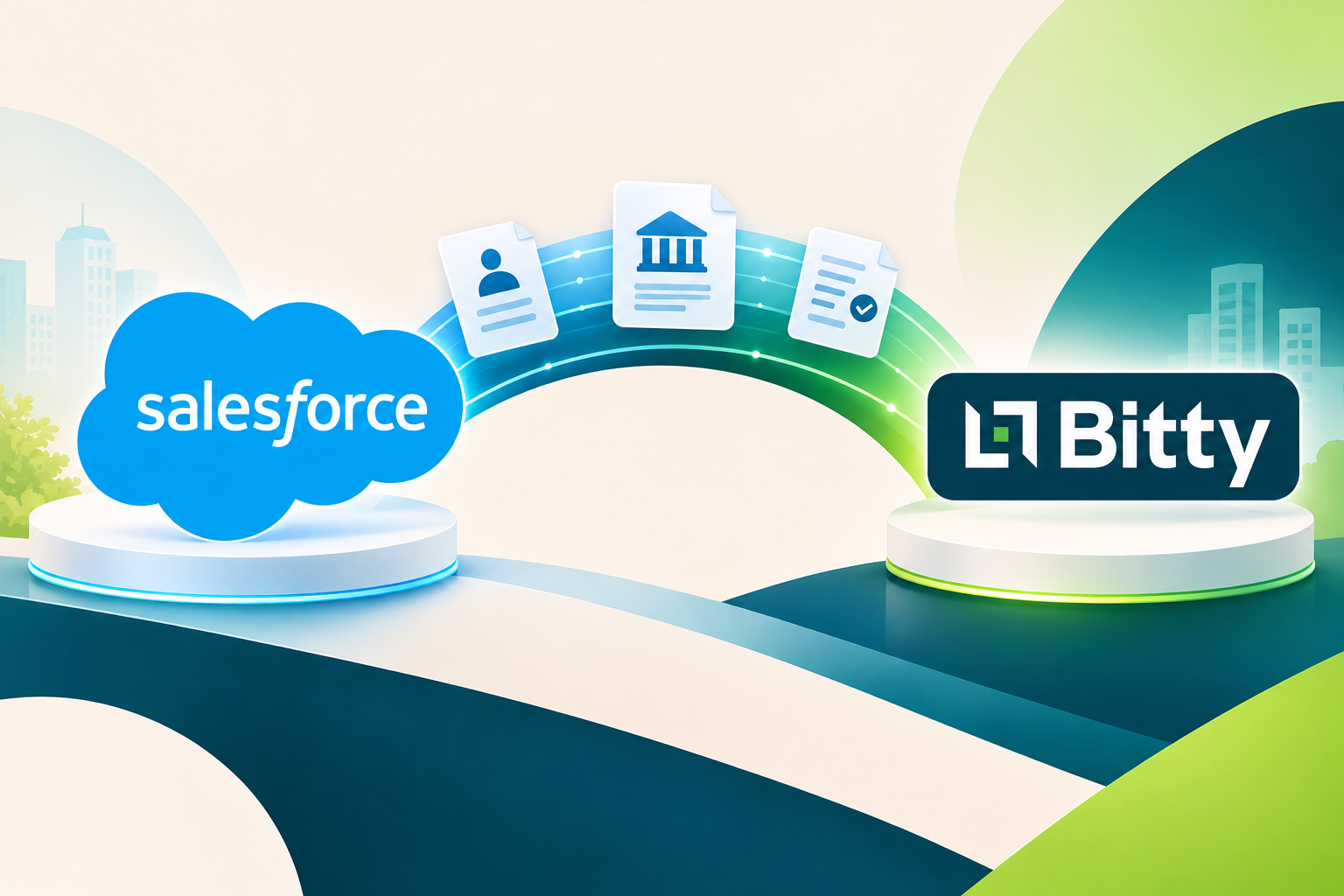
Integrating Salesforce with Bitty enables businesses to submit financing applications directly from Salesforce, reducing the need to manually enter application details across different platforms.
Salesforce serves as the central platform for managing business information, financial details, owner information, requested financing amounts, and supporting documents.
Through the integration, Salesforce shares the required application information with Bitty and receives a submission response that can be stored and referenced within Salesforce.
The integration covers three main areas:
- Business and financial information submission.
- Business owner information and supporting document submission.
- Receiving and storing submission responses.
3. How Salesforce Integrates with Bitty
The integration allows Salesforce to communicate with Bitty through its API and transfer the information required to create a business financing submission.
When a financing application is ready for submission, Salesforce collects the relevant information from the associated business application and sends it to Bitty in a structured JSON request.
Business Information
Salesforce shares the following business details with Bitty:
- Legal business name and DBA name.
- Business address, city, state, and ZIP code.
- Business entity type.
- Federal Tax ID (EIN).
- Business industry.
- Business start date.
- Requested financing amount.
- Average monthly revenue.
Business Owner Information
Along with business information, Salesforce submits the details of the business owners, including first name, last name, residential address, email address, mobile phone number, date of birth, Social Security Number, and ownership percentage.
If the business has a second owner, Salesforce also includes their information in the same financing submission.
Supporting Document Information
Salesforce also includes supporting documents stored against the business application as part of the same API request. These documents include application forms and bank statements associated with the submitted application.
Before submission, supported documents are converted into Base64 format and added to the JSON payload along with the business and owner information.
Each document contains the following information:
- File: Base64-encoded document content.
- Type: Identifies whether the document is an application (1) or a bank statement (2).
- File Name: Name of the document being submitted.
Sample Request Body
The following example illustrates how Salesforce sends business information, financial details, multiple business owners, and supporting documents together to Bitty in a single JSON request.
{
  "apikey": "YOUR_BITTY_API_KEY",
  "development": true,
  "leadid": "SALESFORCE_OPPORTUNITY_ID",
  "campaign": "OnCore Capital Group",
  "legal_name": "ABC Technologies LLC",
  "dba_name": "ABC Technologies",
  "address": "123 Business Street",
  "address2": "N/A",
  "city": "New York",
  "state": "NY",
  "zip": "10001",
  "email": null,
  "phone": null,
  "legal_entity_str": "LLC",
  "industry_str": "Retail",
  "ein": "123456789",
  "start_date": "2020-05-01",
  "requested_amount": 50000,
  "average_revenue": 25000,
  "bankruptcy_current": false,
  "advance_default": false,
  "recent_negative_days": 2,
  "advance_current": 0,
  "owners": [
    {
      "first_name": "John",
      "last_name": "Smith",
      "address": "456 Main Street",
      "address2": "N/A",
      "city": "New York",
      "state": "NY",
      "zip": "10002",
      "email": "john@example.com",
      "cell_phone": "1234567890",
      "dob": "1985-06-15",
      "ssn": "123456789",
      "ownership_percentage": 60
    },
    {
      "first_name": "David",
      "last_name": "Smith",
      "address": "789 Park Avenue",
      "address2": "N/A",
      "city": "New York",
      "state": "NY",
      "zip": "10003",
      "email": "david@example.com",
      "cell_phone": "9876543210",
      "dob": "1988-09-20",
      "ssn": "987654321",
      "ownership_percentage": 40
    }
  ],
  "files": [
    {
      "file": "BASE64_ENCODED_APPLICATION_FILE_CONTENT",
      "type": 1,
      "file_name": "Business_Application.pdf"
    },
    {
      "file": "BASE64_ENCODED_BANK_STATEMENT_CONTENT",
      "type": 2,
      "file_name": "Bank_Statement.pdf"
    }
  ]
}4. Receiving Responses from Bitty
After receiving the financing application, Bitty returns a response containing information about the submitted application.
Salesforce processes the response received from Bitty and stores the submission details for future reference and tracking. This allows users to review the response and track the status of the submitted application within Salesforce.
Sample Submission Response
The following example illustrates the response structure expected by Salesforce when Bitty approves a submission:
{
  "success":true,
  "message":"Approved",
  "id":114761,
  "pre_offer":{
      "funding_gross":"6000",
      "funding_net":"5372.00",
      "funding_factor":"1.590000",
      "funding_lein_pos":1,
      "funding_rtr":"9540.00",
      "funding_term":115,
      "funding_payment":"82.96",
      "funding_freq":"Daily",
      "funding_origination_fee":628,
      "commission_percentage":"8.00",
      "commission_amount":"480.00"
   }
}
Salesforce checks the message returned by Bitty to determine whether the submission has been approved.
When the response message is "Approved", Salesforce stores the submission details for tracking and future reference.