Salesforce to Fintegra Integration: Streamlining Financing Application Processing
Streamlining Business Financing with Salesforce and Fintegra
1. Overview of Fintegra
Fintegra provides financing solutions for businesses seeking funding to support their business requirements.
By connecting Salesforce with Fintegra, businesses can simplify the financing application process and share the required business information and supporting documents.
The integration helps streamline important application activities, including:
- Business information submission
- Business owner information sharing
- Financing amount and fund usage details
- Supporting document uploads
- Application submission tracking
Fintegra receives the submitted business details and supporting documents to process financing applications.
2. Salesforce and Fintegra Integration Overview
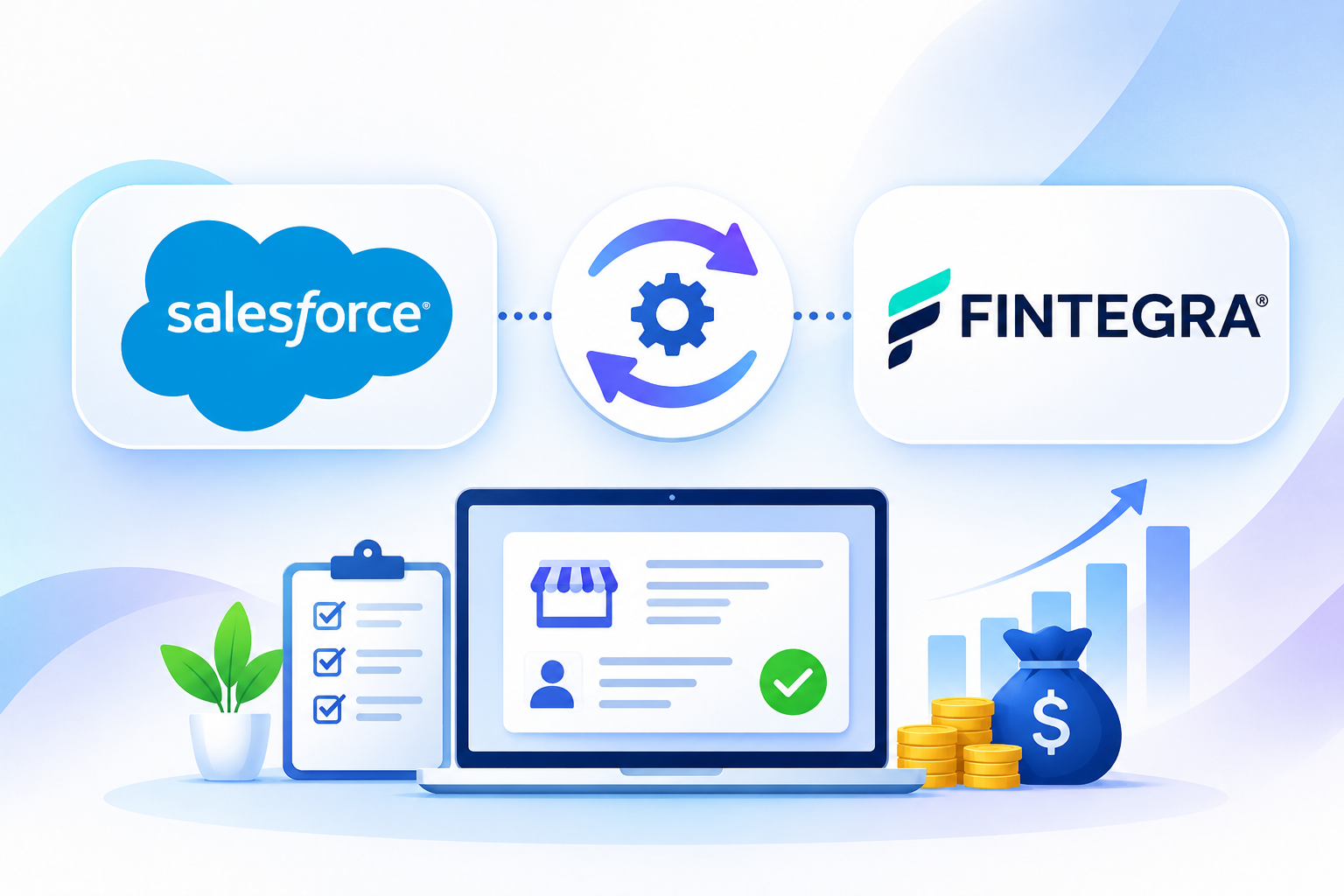
Connecting Salesforce with Fintegra allows businesses to submit financing applications directly from Salesforce without manually entering the same information into multiple platforms.
Salesforce serves as the central place for managing business information, owner details, requested financing amounts, and supporting documents.
Through this integration, Salesforce shares the required application information with Fintegra and receives a submission response that can be stored and referenced within Salesforce.
The integration focuses on three main areas:
- Submitting business and owner information.
- Uploading supporting application documents.
- Receiving and tracking submission responses.
3. How Salesforce Integrates with Fintegra
When a financing application is ready, Salesforce shares the required business and ownership information with Fintegra.
Business Information
The following business details are included in the application submission:
- Business DBA and legal name.
- Business street address.
- Business city, state, and postal code.
- Federal Tax ID.
- Business website.
- Requested financing amount.
- Intended use of funds.
Business Owner Information
Along with the business details, Salesforce shares the owner's name, ownership percentage, Social Security Number, residential address, and date of birth.
If a second owner is available in the application, their information is also included in the submission.
Sample Request Body
The following is an illustrative example of the business and owner information Salesforce sends to Fintegra when submitting a financing application.
{
  "businessAddressCity": "New York",
  "businessAddressState": "NY",
  "businessAddressStreet": "123 Business Street",
  "businessAddressZip": "10001",
  "businessNameDBAs": [
    "ABC Technologies"
  ],
  "businessNameLegal": "ABC Technologies LLC",
  "businessSosRegistration": null,
  "businessTaxId": "12-3456789",
  "businessWebsiteUrl": "http://bizapedia.com/",
  "ccRecipientsEmails": null,
  "emailSubmittedBy": "subs@oncorecg.com",
  "fundingAmountRequested": 50000,
  "isoBrokerComments": null,
  "isoBrokerName": "John Yad",
  "isoBrokerPhone": "9293403532",
  "isoCompany": "OnCore Capital Group",
  "owner1AddressCity": "New York",
  "owner1AddressState": "NY",
  "owner1AddressStreet": "456 Main Street",
  "owner1AddressZip": "10002",
  "owner1DOB": "1985-06-15",
  "owner1Name": "John Smith",
  "owner1OwnershipPct": 60,
  "owner1SSN": "XXX-XX-XXXX",
  "owner2AddressCity": "New York",
  "owner2AddressState": "NY",
  "owner2AddressStreet": "789 Park Avenue",
  "owner2AddressZip": "10003",
  "owner2DOB": "1988-09-20",
  "owner2Name": "David Smith",
  "owner2OwnershipPct": 40,
  "owner2SSN": "XXX-XX-XXXX",
  "useOfFundsDescription": "Business expansion and working capital"
}4. Supporting Document Uploads
In addition to the application information, Salesforce also transfers the supporting documents associated with the financing application to Fintegra.
The integration supports documents stored against the Salesforce application in the following categories:
- Applications: Business financing application documents.
- Statements: Supporting financial statements, such as bank statements.
Each document is submitted separately along with its file content and relevant information, such as file name, file type, file size, and document category.
This allows the required application documents to be shared with Fintegra as part of the financing submission process.
Sample Document Upload Request
Supporting documents are uploaded separately from the main business information submission.
An illustrative request body looks like this:
{
  "Attachment": "BASE64_ENCODED_FILE_CONTENT",
  "Metadata": {
    "FileName": "Bank_Statement.pdf",
    "MD5": "e4d909c290d0fb1ca068ffaddf22cbd0",
    "Type": "application/pdf",
    "Size": "245678",
    "Kind": 64
  }
}5. Receiving Responses from Fintegra
After receiving the financing application, Fintegra returns a response containing the submission ID and status.
Salesforce captures this information to maintain a reference to the application submitted to Fintegra.
Sample Submission Response
The following is an illustrative example of the response received from Fintegra after successfully submitting a financing application:
{
  "message": "Submission created successfully",
  "submissionId": "261122-0001",
  "status": "Received"
}
Salesforce uses the returned Submission ID to identify the application created in Fintegra.
The submission information, including the response status, response code, and response body, is stored against the related Salesforce application.